
Go to System Administrator >> Setup >> Database log >> Database log setup

Click “New” and Database logging Wizard will start
Click “Next“
Enable “Show al tables” and “Show table names” checkboxes

You’ll find all your custo tables inside the “Not specified” tree
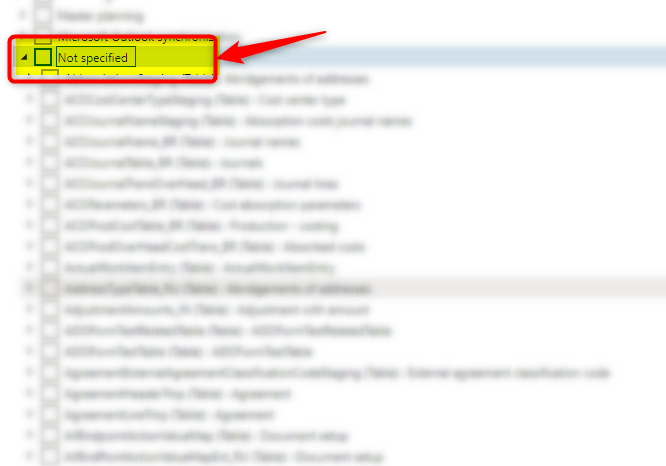
Choose the tables you want to log and go on…

 AX / Dynamics 365 For Finance and Operations blog
Leave a reply to Robert Cunningham Cancel reply