
With the Warehouse Management Mobile App you can use the ProcessGuide framework and you can add different types of controls including comboboxes.
To add a combobox and insert values inside you can use the code below.
Use _page.addComboBox() method. In this example I filled the combo with 2 values (Yes/No). To separate the values use || character. The last parameter is the default value (in this case “Yes”)
protected void addDataControls(ProcessGuidePage _page)
{
_page.addComboBox('Print', 'Do you want to print labels?', extendedTypeNum(WHSRFUndefinedDataType),'Yes||No',true, 'Yes' );
}
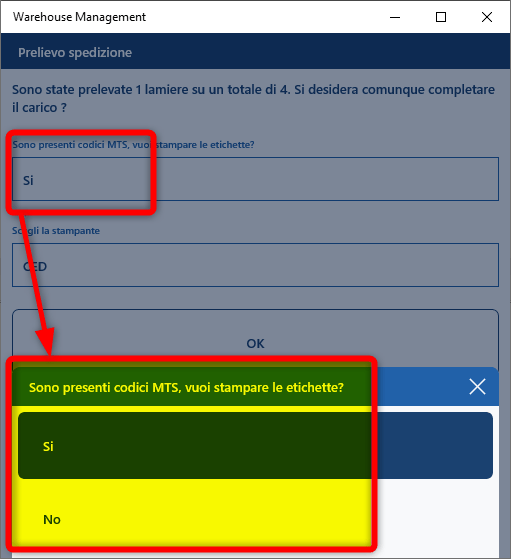
and this is the result (translated)
 AX / Dynamics 365 For Finance and Operations blog
Leave a comment