In a Tree view te default label is RecId and Name. If you want to change it follow this code
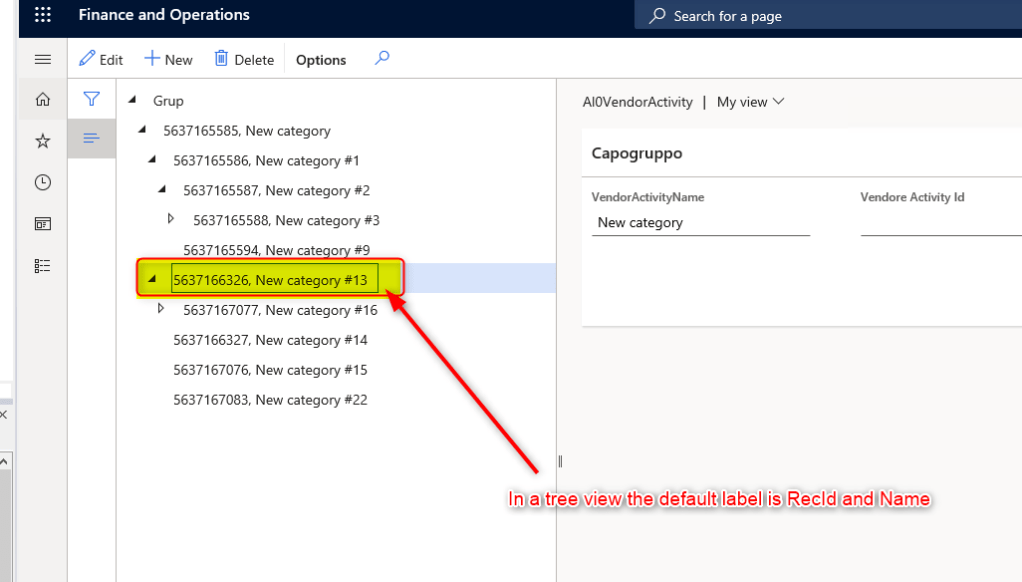
...

int idx = tree.getSelection();  //Get the selected node

FormTreeItem formTreeItem = tree.getItem(idx); // get the visual node

formTreeItem.text("hello"); // change the display text from whatever, to "hello"

tree.setItem(formTreeItem); // update that node in the tree

...
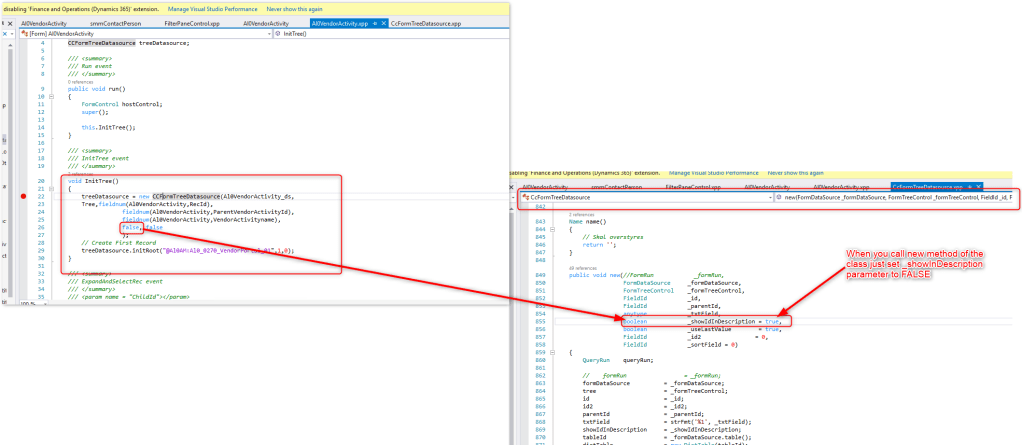
Another way to modify Tree node name showing only node description instead of RecId is to use the new method of class CcFormTreeDatasource in your TreeView Form
 AX / Dynamics 365 For Finance and Operations blog
Leave a comment